The complete switch guide for beginners
Linear, tactile, clicky, silent — what the jargon actually means, and how to pick your first switch.
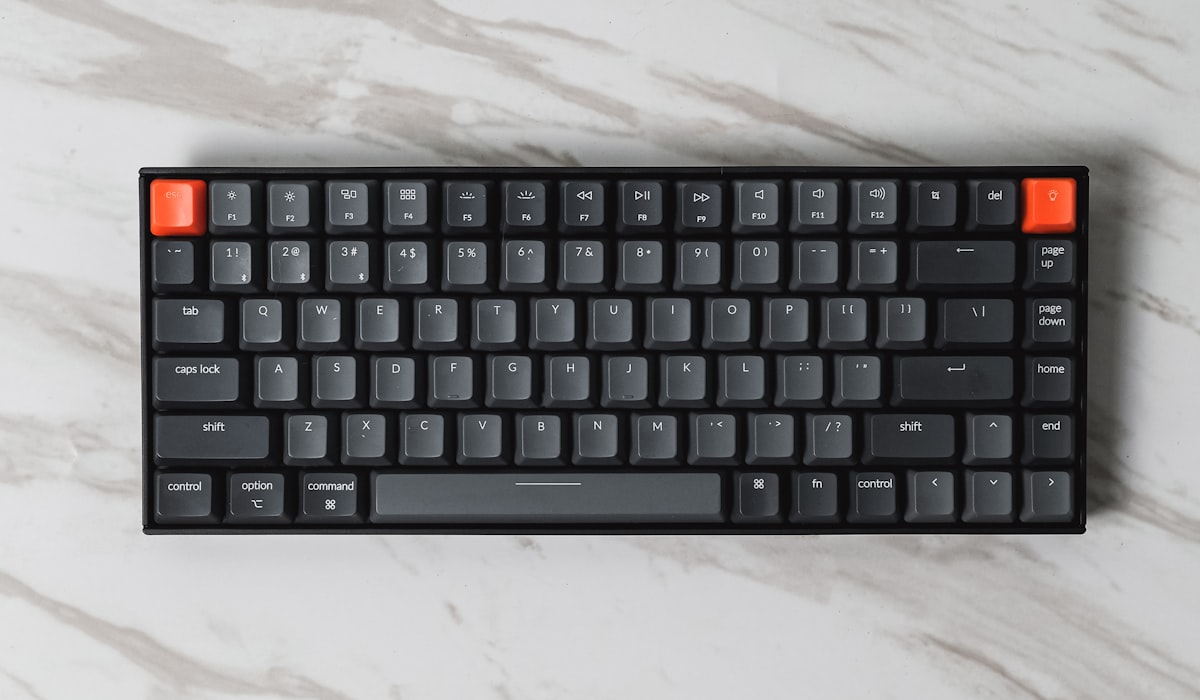
The switch is the single biggest factor in how your keyboard feels and sounds. Get this right and everything else — case, keycaps, foam — is fine-tuning. Here's the beginner-friendly version.
The three families
Almost every mechanical switch falls into one of three groups, defined by what happens as you press the key down.
- Linear — smooth all the way down, no bump, no click. Quiet and consistent; loved for gaming and fast typing.
- Tactile — a small bump partway down tells your finger the key has registered. A great all-round default.
- Clicky — like tactile, but with an added audible click. Satisfying, but loud for shared spaces.
What about 'silent' switches?
Silent variants add dampening pads inside the switch to cut the bottom-out and return noise. They come in both linear and tactile flavours and are ideal for offices or late-night sessions.
Weight and travel
Actuation force (measured in grams) is how hard you press before the key registers. Lighter switches (~45g) are effortless; heavier ones (~60g+) resist accidental presses. Travel is how far the key moves — most are around 4mm, with 'speed' switches shorter.
So what should I buy?
If you're unsure, start with a medium-weight tactile or a popular linear like a lubed yellow. Better yet, grab a switch tester first — it's a few euros and saves you guessing. And because our boards are hot-swap, you can always change your mind later.
Read next
Linear vs tactile: which is right for you?